
November 19, 2026 · Smart home technology · Apple
Apple HomeView Is Here: What It Means for Your Hamptons Home
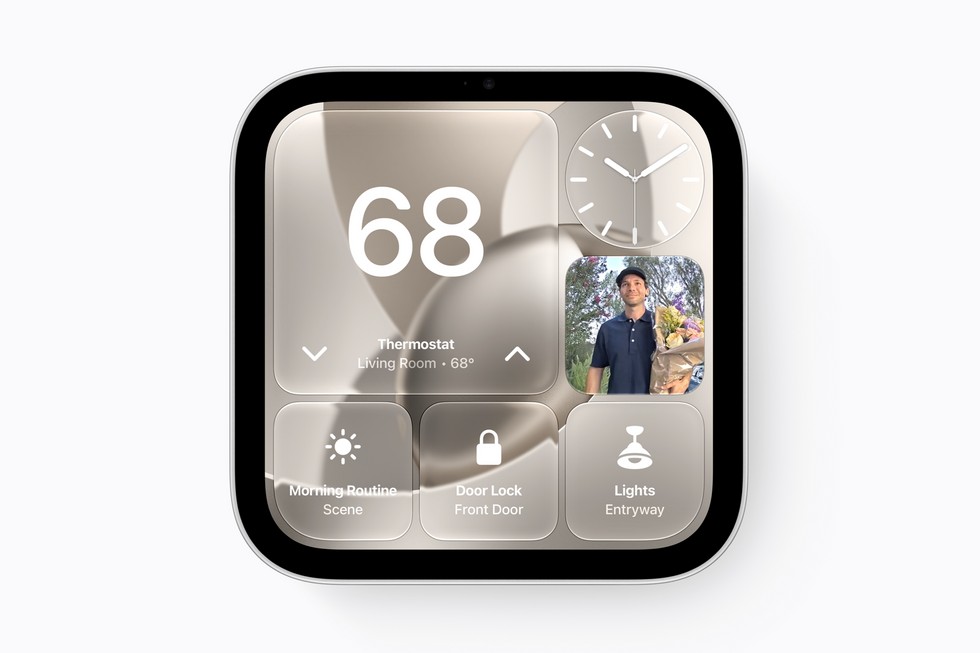
Apple HomeView, Apple's new smart home hub, went on sale on November 13. Apple unveiled it at its "Welcome home" event in October, and it comes in four colors. If you live in an Apple household, you've probably already seen the ads. Here's our take on what it means for your home, and how to get the most out of it.
What HomeView is
HomeView is Apple's new hub for entertainment and running the home. Apple says it's "designed to be shared by everyone in the home yet feel completely personal to each user." In plain terms, it's a single place for the whole family to see and control the house, while each person still gets their own music, settings and preferences.
For a lot of families, that's exactly what's been missing. Most homes have a TV app, a lighting app, a camera app and a thermostat app, and only one person who knows how they all work.
Why it matters for Hamptons homes
At HamptonTek we build what we call Guest-Ready homes: if a house guest can't turn on the TV without calling you, the system has failed. A shared, easy hub fits that idea well. It gives everyone in the house, including weekend guests and renters, one familiar place to start.
But a hub is only as good as what's behind it. Three things decide whether HomeView feels effortless or frustrating:
- Your WiFi. Every smart device in the home talks over the network. In big Hamptons houses with pool houses, guest cottages and lots of glass, weak spots are common. A hub can't fix a network that drops out by the pool.
- How your devices are set up. Lights, shades, speakers and cameras need to be named, grouped into rooms and scenes, and tested. "Good Night" should turn off every light, close the shades and arm the cameras, not just some of them.
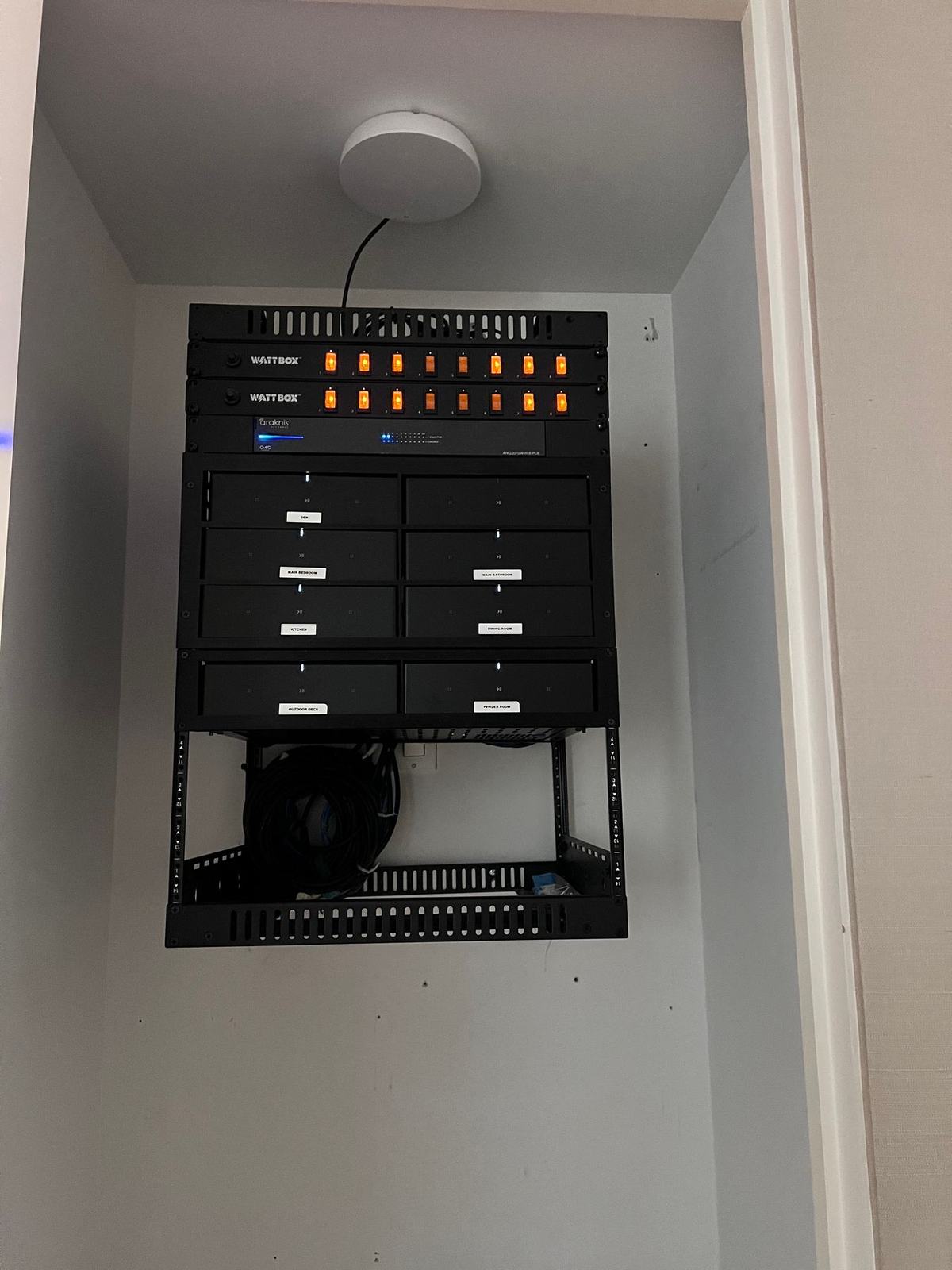
- How it fits with what you already own. Many homes we work in already have a Control4 or Lutron system. The goal is one experience, not two apps fighting over the same lights.
Do you need HomeView if you have Control4?
Not necessarily. A professionally installed Control4 system already gives you one remote, one app and whole-home control. HomeView can make sense as an extra, everyday screen for an Apple family, or as a simple starting point in a smaller home or rental. The right answer depends on your house and how you live in it, and that's a conversation worth having before you buy.
Our advice before you plug one in
- Check your network first. If your WiFi struggles today, fix that before adding another device that depends on it.
- Clean up your device names and rooms. A hub shows you exactly how organized (or not) your setup is.
- Think about guests. Decide what visitors and renters should be able to control, and what should stay private.
- Keep it simple. Pick a few scenes everyone will actually use (Movie, Dinner, Good Night, Away) and make them work perfectly.
How HamptonTek can help
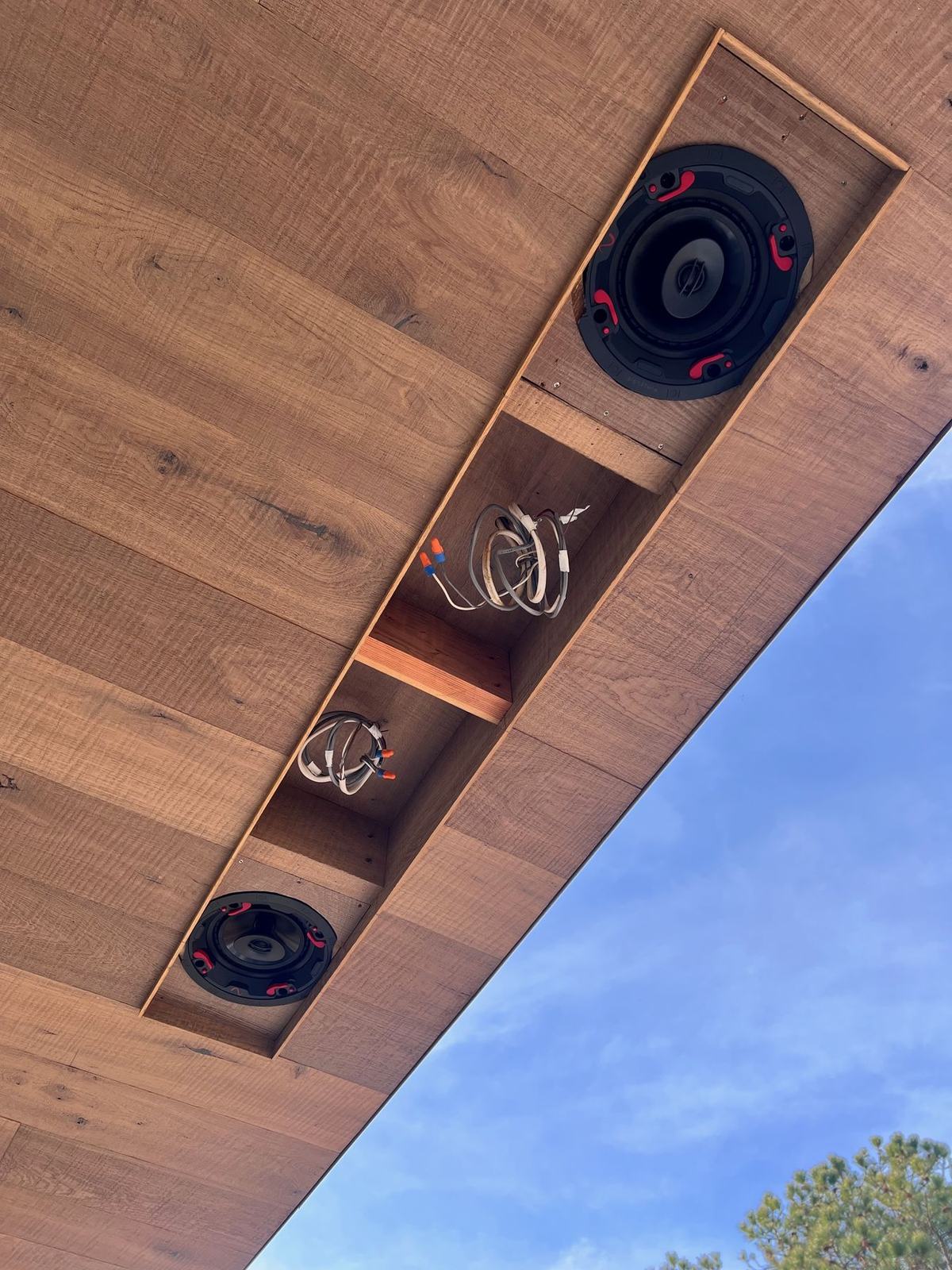
As an Apple Certified Technical Coordinator and an authorized Control4 / Snap One dealer, we work with Apple, Control4, Lutron, Sonos and the rest every day. We can make sure your network is ready, set up HomeView alongside the systems you already have, and make the whole house easy for everyone who walks in.
Thinking about HomeView, or just want your current system to work the way it should? Book a walkthrough or call us at (631) 204-8245.